Multitech MVP 800 Spezifikationen Seite 128
- Seite / 153
- Inhaltsverzeichnis
- LESEZEICHEN

- MultiVOIP 1
- Contents 3
- Chapter 1 – Product Overview 6
- OverviewofFrontPanelLEDs 7
- ComputerRequirements 8
- Specifications 8
- Installinginto19InchRack 10
- MVP210 Circuit Board 13
- (MVP410/810) 14
- MVP-410/810 15
- Rear Panel 15
- SettingIPAddress 21
- SettingVoice/FaxParameters 23
- SettingInterfaceParameters 25
- SettingCallSignaling 28
- ConfiguringSIPCallSignal 29
- ConfiguringSPPCallSignal 29
- DefiningthePhoneBook 31
- ● H.323/SIP/SPP 33
- ● Settings 33
- NavigatingtheSoftware 34
- SettingEthernet/IP 36
- ConfigurablePayloadType 43
- ConfiguringMessageWaiting 47
- FXOParameters 48
- FXOSupervision 50
- DTMFTonePairs 52
- E&MParameters 53
- DIDParameters 56
- CallSignaling 57
- ConfiguringSNMP 66
- ConfiguringSMTPParameters 71
- “SMTPParameters”Definitions 72
- “CustomFields”Definitions 73
- servertallies. 74
- Logs/Traces 76
- NATTraversal 77
- SupplementaryServices 78
- Save&Reboot 81
- Settings 81
- FixingaCOMPortProblem 82
- FixingCablingProblems 82
- BeforeYouBegin 84
- PhoneBookDescriptions 87
- Add/EditOutboundPhoneBook 88
- PSTN Line 92
- Add/EditInboundPhoneBook 93
- PhoneBookwindow 94
- PhoneBookSaveandReboot 95
- NorthAmerica 96
- Calls at London local rates 99
- Local Calling Area 99
- The Netherlands 100
- VariationsofCallerID 105
- Display shows: 106
- Phone Book Configuration 106
- Inbound Phone Book 106
- ● SPPRegistrars 108
- ● PacketizationTime 108
- ● H.323GateKeepers 108
- ● SIPProxies 108
- SystemInformationWindow 109
- StatisticsSection 110
- Chapter6—UsingtheSoftware 112
- IPStatistics 115
- LinkManagement 117
- RegisteredGatewayDetails 118
- H.323GateKeepers 119
- SIPProxies 120
- SPPRegistrars 121
- PacketizationTime 122
- MultiVOIPProgramMenuItems 123
- C:\Acme-Inc\MVP3000-firm 124
- 2. Downloadfirmware. 125
- DownloadingFirmware 126
- DownloadingFactoryDefaults 127
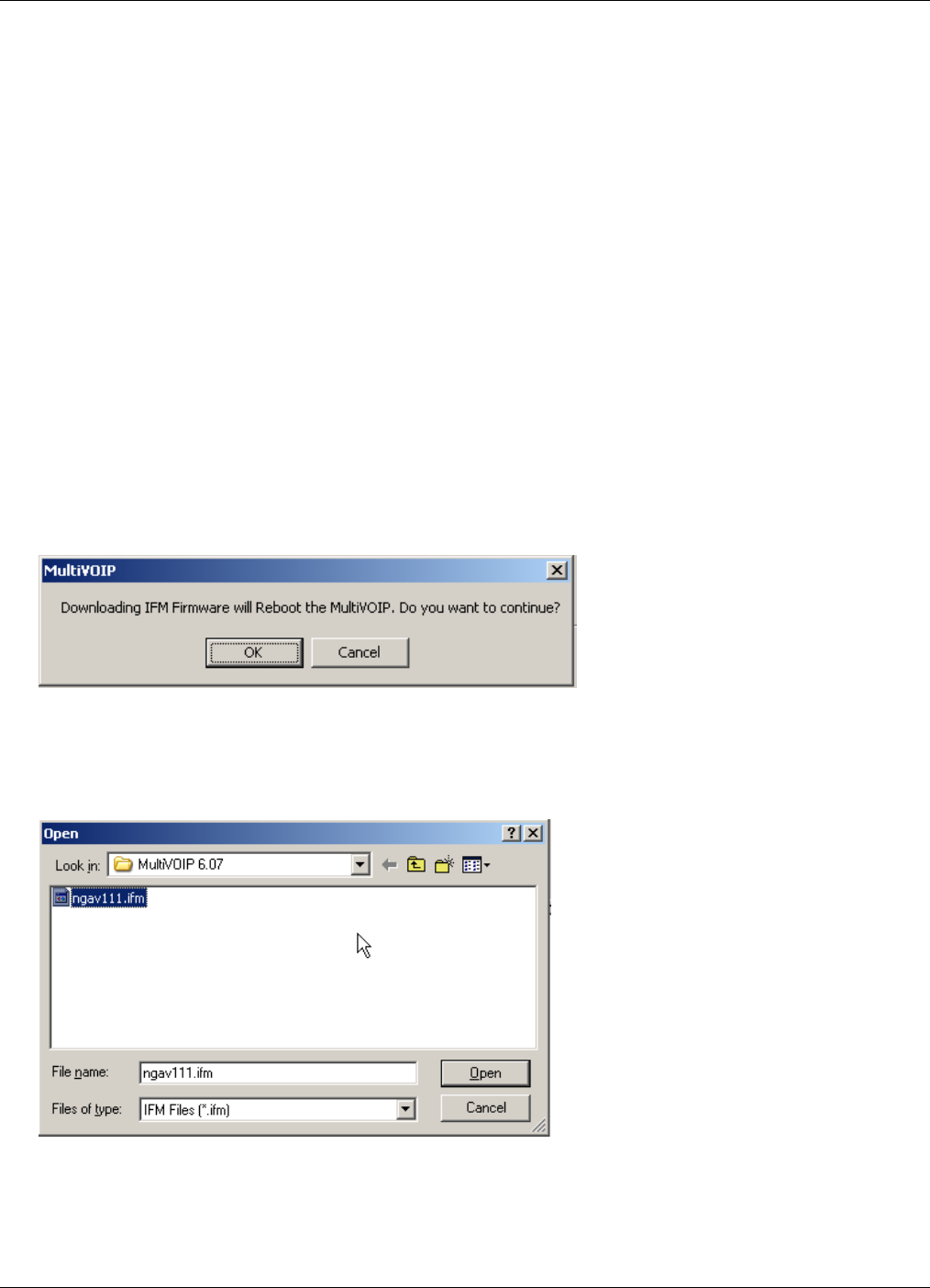
- DownloadingIFMFirmware 128
- WindowsInterface 131
- WebBrowserInterface 132
- UpgradingSoftware 133
- Appendix A – Cable Pin-Outs 142
- Voice/FaxChannelConnectors 143
- Appendix B – TCP/UDP Port 144
- Assignments 144
- Upgrade Card 145
- Screw locations (2) 146
- Standoff/nut attachment 147
- (rear bottom view) 147
- IndustryCanada 148
- CanadianLimitationsNotice 148
- Electronic Equipment (WEEE) 150
- Statement 150
- Concentration 151
- Index 153
- Updatingfirmware,124 153
© 2020, manymanuals.de. Alle Rechte vorbehalten. | 0.030 s |
 Manymanuals.com
 Manymanuals.de
 Manymanuals.fr
 Manymanuals.it
 Manymanuals.pl
 Manymanuals.cz
 Manymanuals.es
 Manymanuals-pt.com
Kommentare zu diesen Handbüchern